When you have a document open in EDIT mode (this could also be a new mail, for example), you can perform any numeric calculations (and more) in a field. Essentially a built-in calculator function.
How does it work?
The procedure described below works in all fields that accept input – but not in RichText fields.
- Place the cursor in the field
- Enter the desired formula (e.g. 3 * 4 + 2)
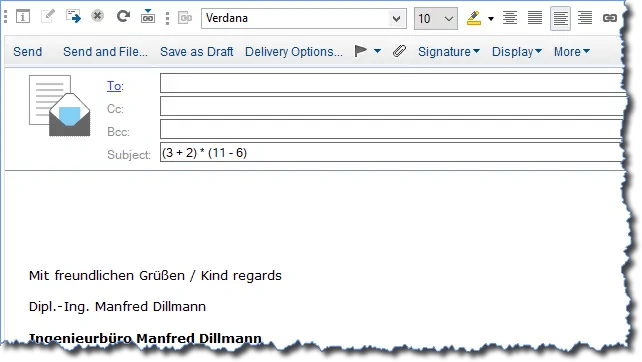
Notes Client with a new mail – Entering a formula in the "Subject" field
- Press the keys "Shift" + "F9" (Shift key + F9)
- The result of the formula appears in the field
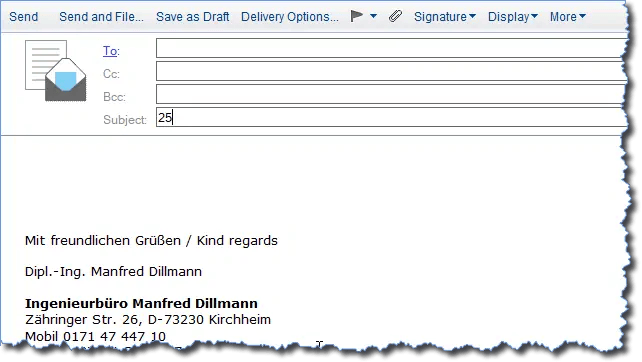
Notes Client with a new mail – Result of a formula in the "Subject" field
Is there more?
Many formula language functions also work:
@Username
@Name([CN],@UserName)
@Today
@Now
@Sum(12;13;24)
@Pi
etc.
In general, almost all functions that do not require a "document context" will work.